



Let Customers Book Appointments Right Inside WhatsApp
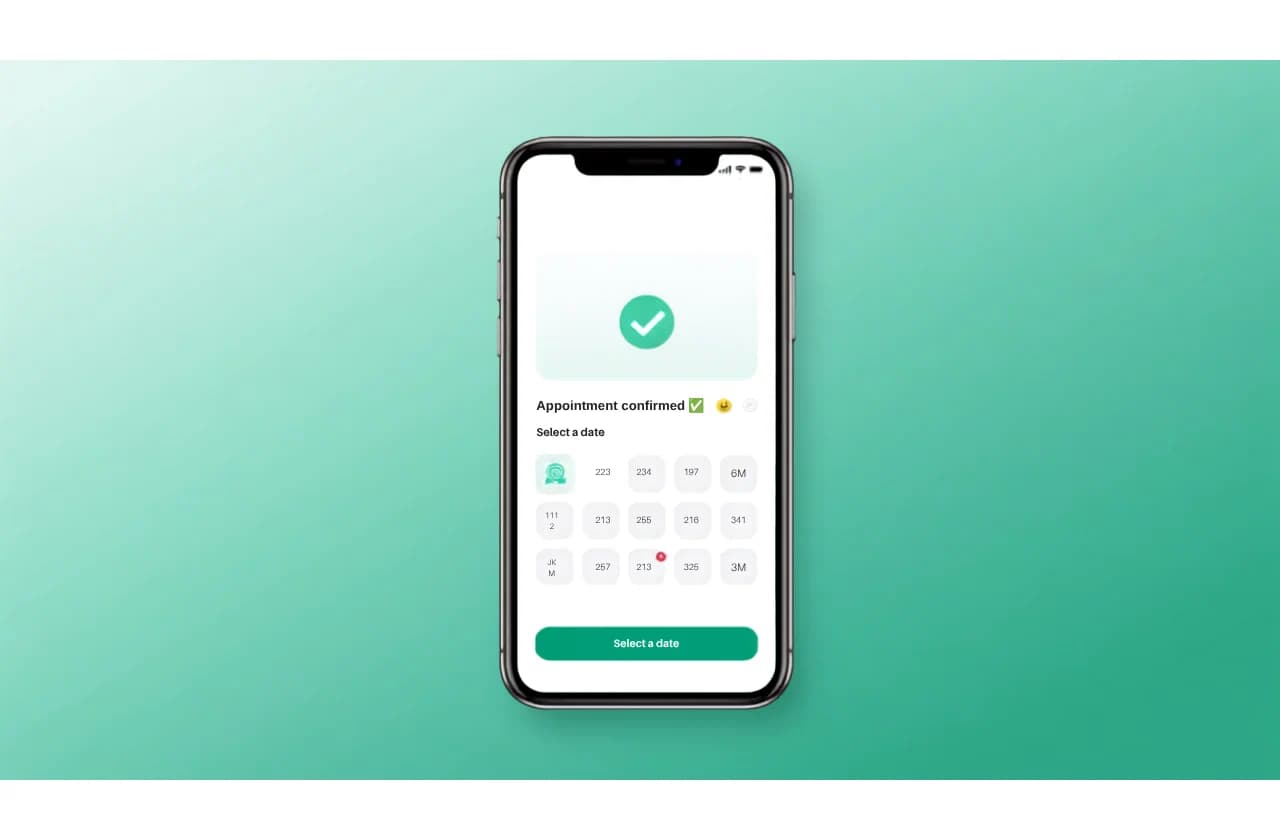
No missed calls, no double bookings, no back-and-forth. Customers pick a service, a staff member and a time slot in chat — and get automatic reminders before they arrive.
- Multiple staff & resource calendars, not just one shared diary
- Live availability — booked slots disappear automatically
- Automated 24-hour and 1-hour WhatsApp reminders
- Optional chatbot lets customers self-book with zero staff time
24h + 1h
Automated reminders before every appointment
Multi-staff
Separate calendars per resource, not one shared diary
Live
Slot availability updates the moment a booking is made
24/7
Customers can request a slot any time, even after hours
From "Can I Book a Slot?" to Confirmed — in One Chat
Customers self-serve through the chatbot, or your team books manually from the dashboard — either way, the calendar stays in sync.
Customer asks to book
They message your WhatsApp number, or tap "Book Now" from your chatbot's menu.
They pick a service, staff & time
The chatbot shows only genuinely open slots — already-booked times are automatically filtered out.
Booking confirms instantly
The appointment is created, the customer gets a confirmation message, and it appears on your dashboard.
Reminders send automatically
A 24-hour and a 1-hour reminder go out on autopilot — no staff member has to remember to send them.
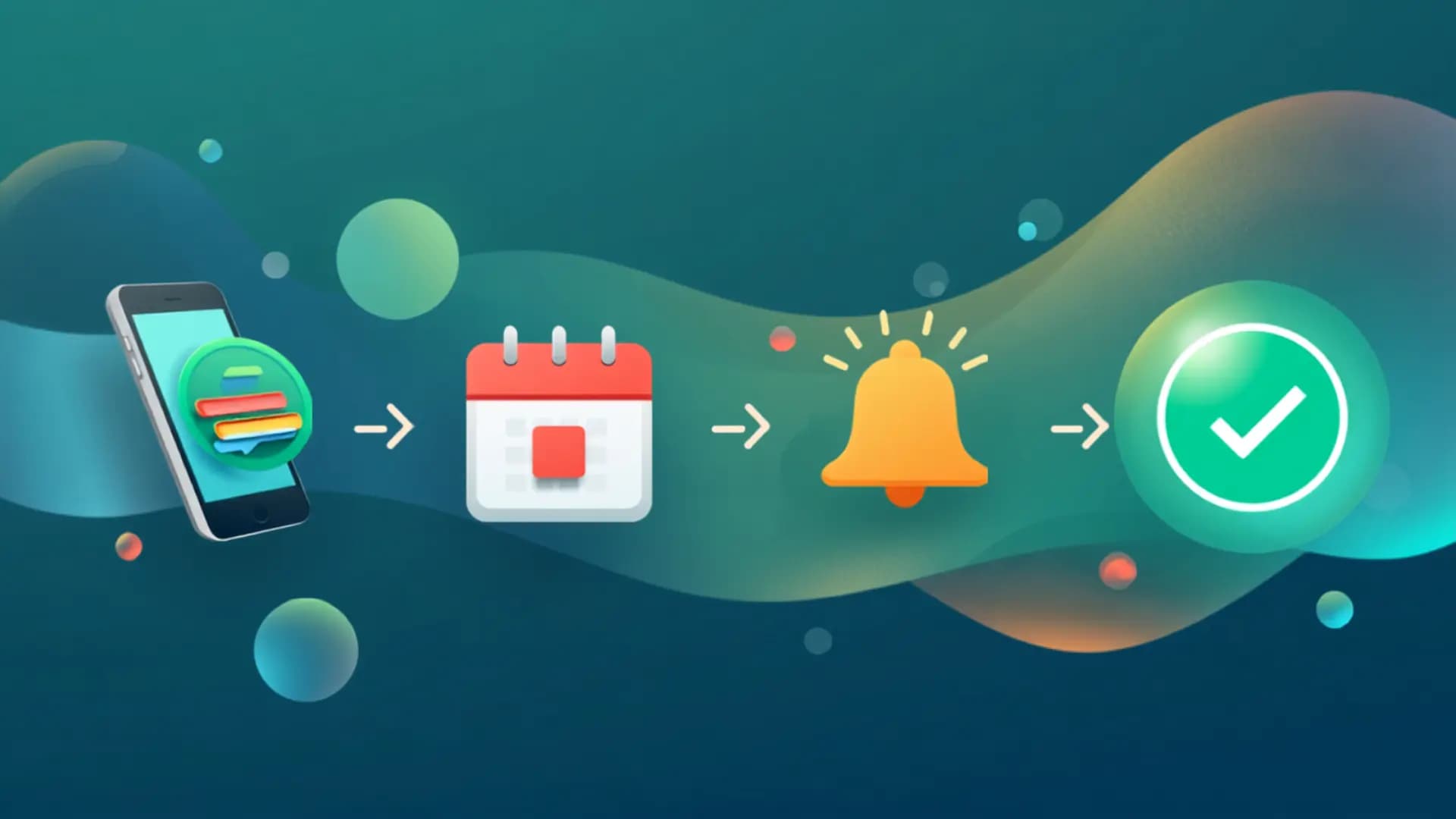
Fewer No-Shows. Fewer Phone Calls. More Booked Slots.
Every reminder and confirmation is customizable — write your own wording per event, or let the built-in defaults handle it.
 Everything You Need To Book
A Full Scheduling System, Built Into WhatsApp
Replace the phone-and-diary routine with a calendar your customers can book into themselves.
Multi-Staff Resources
Set up every stylist, doctor, consultant or room as its own bookable resource with its own calendar.
Weekly Availability & Exceptions
Define standard working hours per resource, then override specific dates for holidays or half-days.
Live Slot Computation
Open slots are calculated in real time — booked times, buffers and exceptions are factored in automatically.
Automated Reminders
24-hour and 1-hour reminders send on their own, cutting no-shows without any manual follow-up.
Customizable Messages
Write your own confirmation, cancellation, completion and reminder wording for every event.
Chatbot Self-Booking
Let customers pick a service, staff member and slot entirely on their own — no staff time required.
Manual Dashboard Booking
Your front desk can create, reschedule, cancel or mark bookings complete from one clean dashboard.
Status Tracking
Every booking moves through confirmed, completed, cancelled or no-show — always visible at a glance.
How It's BuiltDesigned Around How Service Businesses Actually Run
Three decisions that shape every booking, from the first message to the appointment itself.
Built for teams, not just one calendar
Most booking widgets assume a single provider. Booking treats every staff member, room or piece of equipment as its own resource with its own weekly hours and date-specific exceptions — so a salon with five stylists or a clinic with three doctors gets accurate, per-person availability instead of one shared, over-booked diary.
- Unlimited staff or resource calendars per number
- Per-resource weekly hours plus one-off date overrides
- Buffer time between bookings applied automatically
Self-booking without losing the human touch
The chatbot walks a customer through service, staff and time selection using the same reply logic they already use in any WhatsApp chat — no separate app or web form. If they'd rather just message you directly, your front desk can create the exact same booking manually from the dashboard.
- Chatbot self-booking node — zero staff time per booking
- Manual dashboard booking for phone-in or walk-in customers
- Both paths write to the same live calendar
Reminders that actually reduce no-shows
A 24-hour and a 1-hour reminder go out automatically for every confirmed booking — the two windows shown to cut no-shows most in service businesses. Customize the wording per event, or fall back to sensible built-in defaults if you'd rather not write your own.
- 24-hour and 1-hour reminders sent without staff involvement
- Editable message templates for confirmed, cancelled, completed and no-show events
- Falls back to an approved template outside Meta's 24-hour messaging window
Who It's ForBuilt for Every Business That Runs on Appointments
If your business already juggles a diary, phone calls and reminder texts, Booking replaces all three.
Clinics & Doctors
Reduce missed consultations with automatic 24h and 1h reminders.
Salons & Spas
Give every stylist their own calendar and stop double-booking chairs.
Coaching & Tuition Centres
Let students self-book trial classes without a phone call.
Gyms & Fitness Studios
Manage trainer sessions and class slots from one shared dashboard.
Consultants & Agencies
Offer instant self-service booking for discovery calls.
Real Estate Agents
Schedule site visits without a back-and-forth over call or text.

 FAQ
FAQQuestions Before You Turn On Booking
The essentials service businesses ask before switching from a phone-and-diary routine.

Chat on WhatsApp
Get answers in minutes
Chat With UsYes. Booking is built around multiple resources from day one — add every staff member, room or piece of equipment as its own resource, each with its own weekly availability and date exceptions.
No app needed. Customers book through a WhatsApp chatbot flow, choosing a service, staff member and time slot with simple taps or replies. Your team can also create bookings manually from the dashboard for phone-in or walk-in customers.
Every confirmed booking automatically gets a 24-hour and a 1-hour reminder sent on WhatsApp — no staff member has to remember to send them. You can customize the wording for each event, or use the built-in defaults.
Yes — confirmed, cancelled, completed, no-show and both reminder messages are all individually editable, with placeholders for the customer's name, service, staff member and appointment time.
For Meta WhatsApp API numbers, if the customer's messaging window has closed, Booking automatically falls back to an approved message template instead of a plain-text message, so the confirmation still reaches them.
Booking is available as an add-on capability on qualifying WhatsApp Business Suite plans, with a resource limit based on your plan. Check the pricing page or talk to sales to confirm what's included.

Stop Managing Your Diary by PhoneBy Phone
Set up your staff, your hours, and let WhatsApp handle the booking, the reminders, and the no-shows.
Appointment Booking is included with WhatsApp Business Suite on qualifying plans.
Powered by WABizSuite (wabizsuite.com)