



Let Patients Book Their Doctor Right Inside WhatsApp
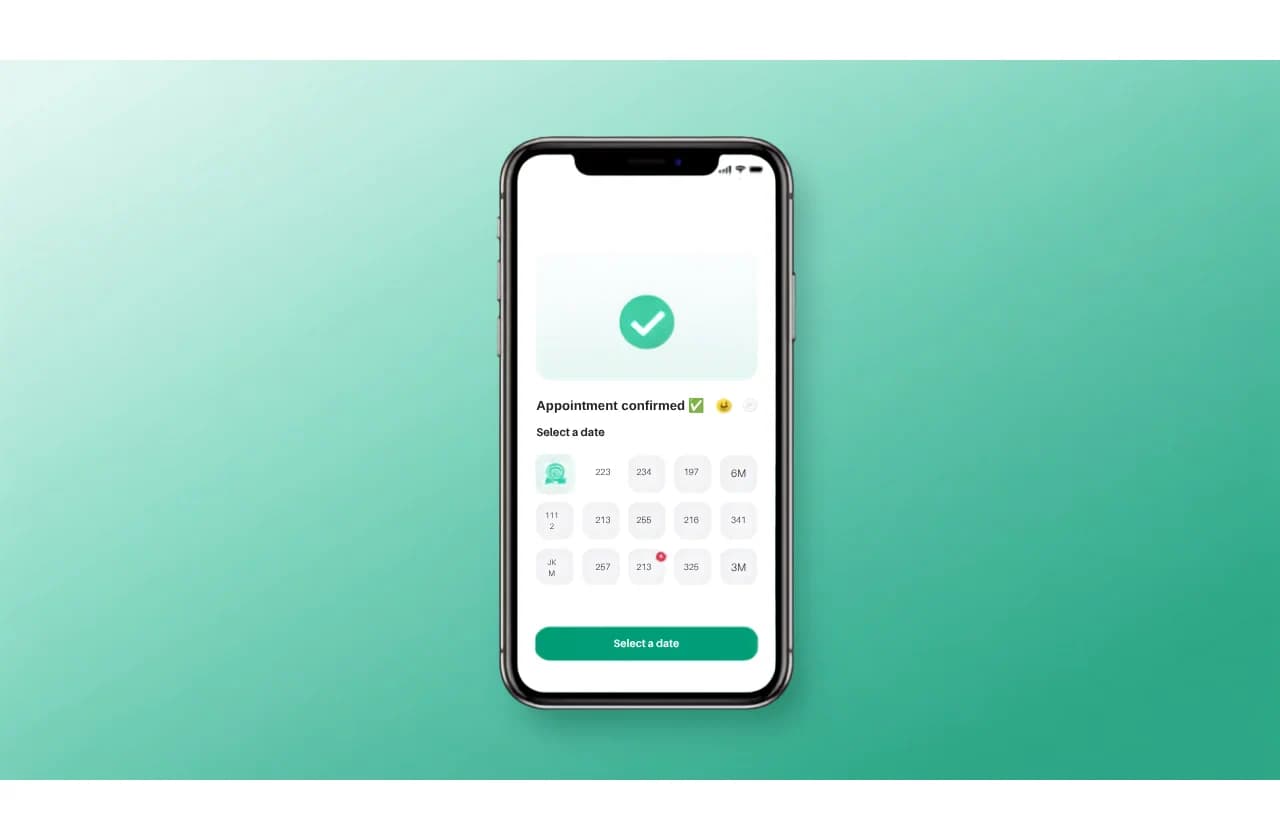
Stop answering the phone to fix the diary. Patients pick a doctor and a free slot in chat, get a confirmation, and are reminded automatically before the visit.
- A separate calendar for every doctor, with their own hours
- Booked slots disappear automatically, so no double bookings
- Automatic 24-hour and 1-hour reminders to cut missed visits
- Reminders go only to patients who have opted in
24h + 1h
Reminders sent before every appointment
Per doctor
Separate hours and days off for each doctor
Live
Booked slots are removed from the list at once
24/7
Patients can book outside clinic hours
From "Is the Doctor Free Tomorrow?" to Confirmed in One Chat
Patients book themselves through a chatbot, or your front desk books from the dashboard. Both write to the same calendar.
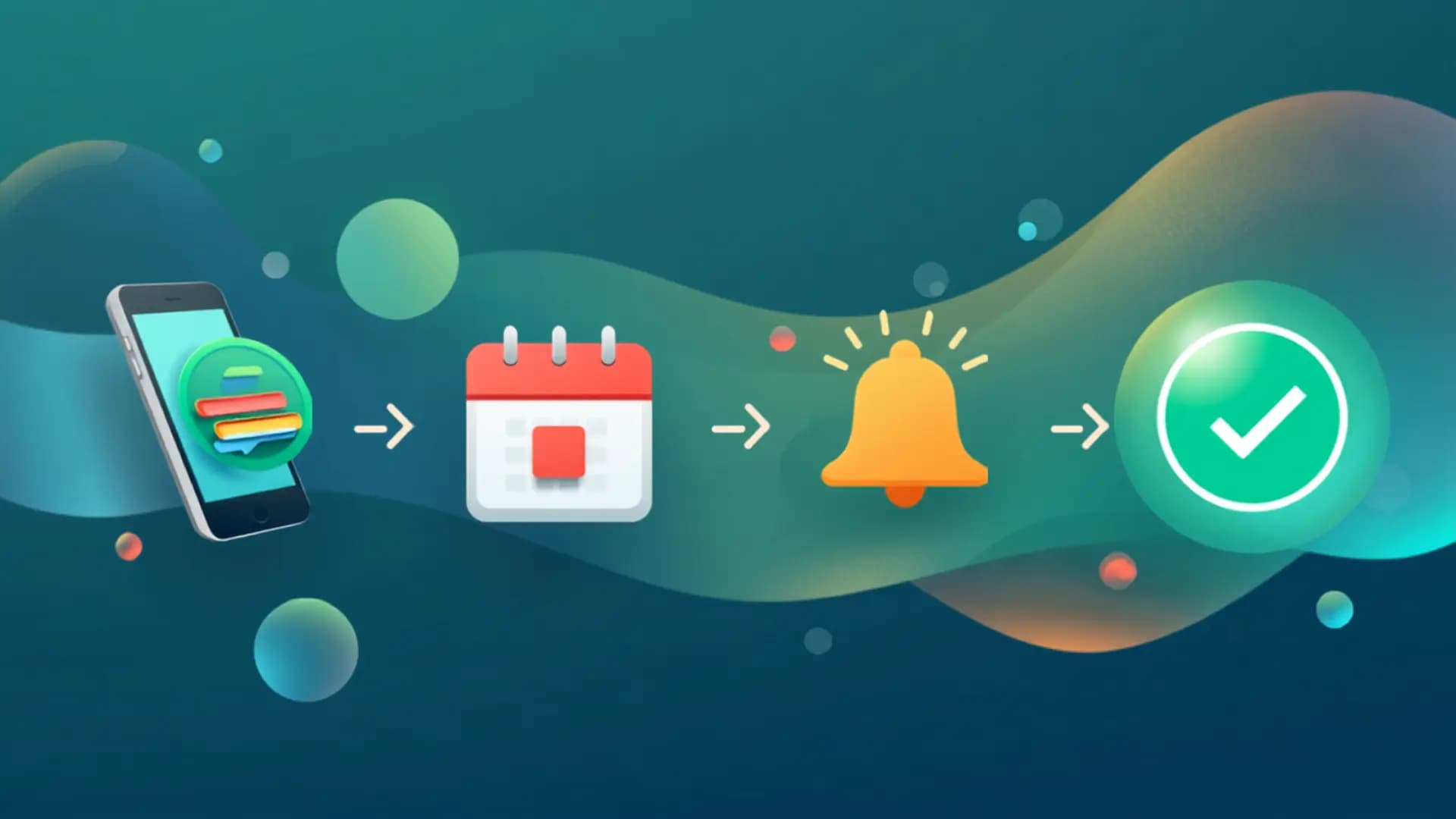
Patient messages your clinic number
They send "book appointment" or tap Book Now in your chatbot menu.
They choose doctor and time
The bot lists only slots that are actually free for the doctor they picked.
Booking is confirmed
The patient gets a confirmation in the chat and your team sees it on the dashboard.
Reminders go out automatically
A reminder is sent 24 hours and 1 hour before the visit, and the patient can reschedule in the same chat.
Fewer Missed Visits. Fewer Phone Calls. A Fuller Diary.
You can edit the wording of every confirmation and reminder to match your clinic.
 Everything Your Front Desk Needs
Scheduling Built for How Clinics Run
Replace the phone and the paper diary with a calendar patients can book into themselves.
Multi-Doctor Calendars
Add each doctor, dentist or therapist as a bookable resource with a calendar of their own.
Hours and Days Off
Set weekly consulting hours per doctor and block specific dates for leave or holidays.
Buffer Between Visits
Add buffer time so back-to-back appointments do not run into each other.
Automatic Reminders
Reminders go out 24 hours and 1 hour before every visit without anyone sending them by hand.
Chatbot Self-Booking
Patients book through a guided chat with no front-desk time spent on each booking.
Shared Team Inbox
Your reception team replies to patient questions from one shared WhatsApp inbox.
Consent-Aware Messaging
Marketing messages respect each patient's opt-in status, so reminders go to the right people.
Booking Dashboard
See today's and upcoming appointments in one list, and add or change bookings manually.
How It's BuiltDesigned Around a Busy Front DeskA Busy Front Desk
Three decisions that shape every booking, from the first message to the visit.
One calendar per doctor, not one shared diary
Most booking widgets assume one provider. Here every doctor is its own resource with weekly hours and date exceptions, so a clinic with three doctors gets accurate per-doctor availability instead of one over-booked diary.
- Add as many doctors or rooms as your plan allows
- Weekly hours plus one-off date overrides
- Buffer time applied automatically
Self-booking without losing the human touch
The chatbot walks a patient through doctor and time selection in the chat they already use. If someone would rather call, your reception can create the same booking from the dashboard.
- Chatbot booking step needs no staff time
- Manual booking for phone and walk-in patients
- Both paths update the same live calendar
Reminders that actually reduce no-shows
A reminder 24 hours ahead gives the patient time to reschedule, and one an hour before catches the forgetful. You can edit the wording of each message.
- Reminders at 24 hours and 1 hour
- Patients can reschedule from the same chat
- Custom wording per event
Who It's ForWorks for Every Kind of Clinic
If patients book by phone today, this replaces the phone call.
General Practice and Family Clinics
Give each doctor a calendar and let patients choose a free slot without calling.
Dental Clinics
Cut missed chair time with reminders a day ahead and an hour before.
Skin, Hair and Aesthetic Clinics
Book consultations and follow-ups with the practitioner the patient asks for.
Physiotherapy and Wellness Centres
Handle recurring sessions across several therapists from one dashboard.
Diagnostic and Pathology Labs
Let patients choose a collection slot and remind them before it.
Eye Care and Specialist Clinics
Keep specialist consultation hours accurate even when doctors visit on set days.
 FAQ
Questions Before You Switch Your Clinic to WhatsApp Booking
The essentials clinic owners ask before moving from a phone-and-diary routine.

Chat on WhatsApp
Get answers in minutes
Chat With UsNo. Patients use the WhatsApp they already have. They message your clinic number and book through the chat.
Yes. Each doctor is a separate resource with their own weekly hours and date exceptions such as leave. Available slots are worked out per doctor and already booked times are removed.
A reminder is sent 24 hours and 1 hour before every appointment. You can customise the message wording for each event.
Yes. Patients can reschedule through the chatbot, and your team can also change or cancel any booking from the dashboard.
Yes. Reception can create bookings from the dashboard for phone calls and walk-ins, and they appear on the same calendar as chatbot bookings.
Messages are sent through the official WhatsApp Business API, and marketing messages respect each contact's opt-in status. Keep appointment messages short and avoid sending sensitive medical details in chat.
Start the free trial, connect your WhatsApp Business number, add your doctors and their hours, and switch on the booking step in your chatbot. Our team can help you set it up.

Stop Fixing the Diary Over the Phone
Add your doctors, set their hours, and let WhatsApp handle booking, reminders and reschedules.
Appointment Booking is included with WhatsApp Business Suite on qualifying plans.
Powered by WABizSuite (wabizsuite.com)