



Build a WhatsApp Chatbot Without Writing Code
Drag steps onto a canvas, connect them, and publish. Welcome menus, buttons, conditions, appointment booking and an optional AI agent step, all on the official WhatsApp Business API.
- Visual flow builder with drag-and-drop steps
- Menus, buttons and conditions that route customers
- Built-in appointment booking step
- Hand over to your team in the shared inbox any time
0
Lines of code needed
24/7
Automatic replies, even after hours
Many
Steps: messages, buttons, conditions, booking
1
Shared inbox for human handover
From a Blank Canvas to a Live Chatbot
Most simple bots can be built in an afternoon.
Pick a trigger
Start the bot when a customer sends a keyword or messages your number for the first time.
Drag in the steps
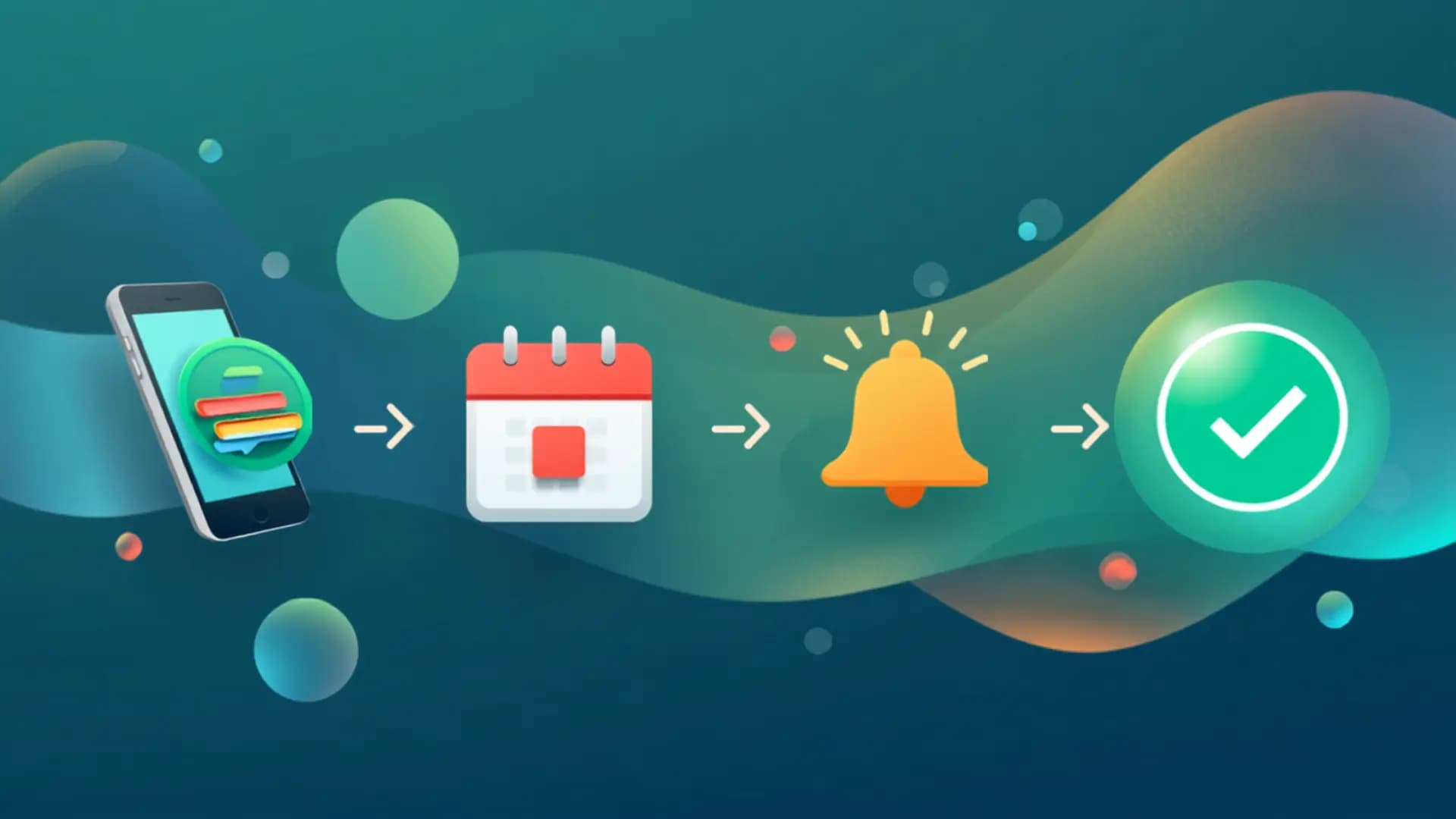
Add messages, button menus, conditions and a booking step, and connect them on the canvas.
Test and publish
Try the flow in WhatsApp, then switch it on for your number.
Hand over when needed
Customers can reach your team, who reply from the shared inbox.
Answer Every Enquiry Instantly, Even at 2 AM.
Let the bot handle the repeat questions so your team handles the conversations that need a person.
 Everything You Need To Automate
A Full Chatbot Toolkit, No Developer Needed
Build and change flows yourself as your business changes.
Visual Flow Canvas
Lay out the conversation as connected steps and see the whole flow at a glance.
Messages with Buttons and Lists
Offer tap-to-choose menus so customers reply with one tap instead of typing.
Conditions and Branching
Send customers down different paths based on what they choose or say.
Appointment Booking Step
Let customers pick a staff member and time slot inside the bot.
Template Messages
Use approved templates for messages you start outside the 24-hour window.
Optional AI Agent Step
Add an AI step for open-ended questions, with the model provider you choose.
Human Handover
Move a conversation to your team in the shared inbox when a person is needed.
Per-Number Bots
Attach a bot to a specific WhatsApp number when you run more than one.
How It's BuiltDesigned for People Who Are Not Developers
Three decisions that keep bots simple to build and safe to run.
See the whole conversation as a picture
Instead of writing rules, you draw the conversation. Each step is a block you can move, edit and connect, so anyone on your team can read and change the flow.
- Drag-and-drop canvas
- Edit a step without breaking the rest
- Duplicate a bot to try a variation
Booking and ordering built in
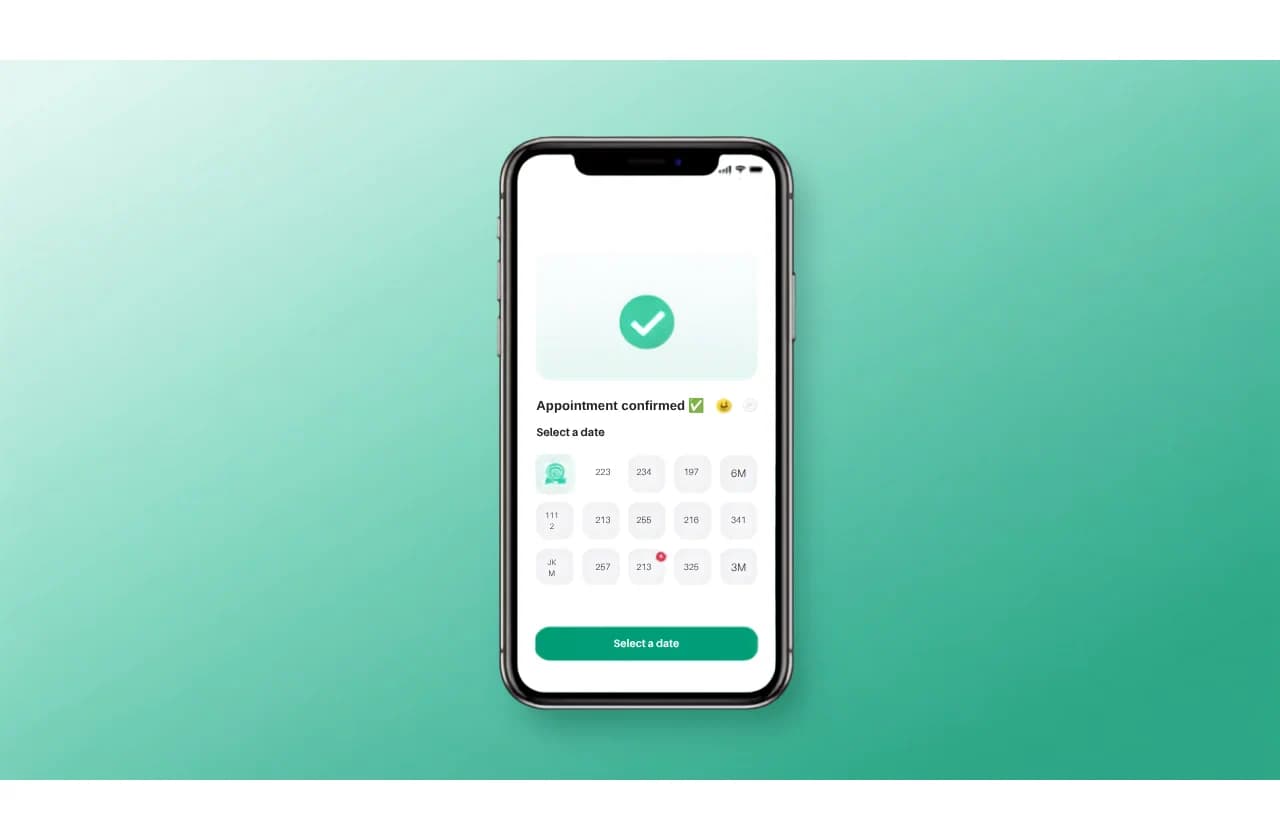
Bots are more useful when they finish the job. A booking step lets customers choose a time, and the booking appears on your calendar with reminders sent automatically.
- Appointment booking step
- Works with multi-staff calendars
- Reminders sent automatically
The bot helps, your team still decides
Bots are good at repeat questions and bad at exceptions. Customers can always reach a person, and your team sees the whole chat history in the shared inbox.
- Handover to the shared inbox
- Full conversation history for your team
- Optional AI step for open-ended questions
Who It's ForWorks for Every Business That Gets Repeat Questions
If your team answers the same ten questions every day, a bot can take them.
Clinics and Salons
Answer timings and services, then book the appointment in the same chat.
Real Estate Agents
Qualify enquiries with a few questions before a salesperson steps in.
Restaurants and Retail
Share menus and catalogs and route order questions to your team.
Coaching Institutes
Answer course, fee and batch questions automatically.
Service Businesses and Agencies
Collect lead details and hand over hot enquiries to sales.
Support Teams
Handle first-line questions and pass the rest to an agent with context.
FAQQuestions Before You Build Your WhatsApp Chatbot
The essentials owners ask before building their first bot.

Chat on WhatsApp
Get answers in minutes
Chat With UsNo. You build the bot in a visual builder by dragging steps onto a canvas and connecting them. No code is needed.
It can send messages, show button and list menus, branch on conditions, collect information, take appointment bookings, and pass the chat to your team. An optional AI step can answer open-ended questions.
Yes. The bot can hand over to your team, who reply from the shared WhatsApp inbox with the full conversation visible.
Yes. Messages are sent through the official WhatsApp Business API. Meta's rules apply, including approved templates for messages you start outside the 24-hour window.
Yes. A bot can be attached to a specific WhatsApp number, which helps when you run more than one number.
A simple welcome menu with a few answers usually takes an afternoon. More complex flows with booking or conditions take longer, and our team can help.
Start the free trial, connect your WhatsApp Business number, and open the chatbot builder. Our team can help you build your first flow.

Put Your First WhatsApp Bot Live This Week
Drag, connect and publish. Let the bot answer the repeat questions while your team handles the rest.
The chatbot builder is included with WhatsApp Business Suite on qualifying plans.
Powered by WABizSuite (wabizsuite.com)