



Send Fee Reminders and Batch Updates on WhatsApp
Reach students and parents where they already read messages. Schedule fee reminders and class notices by batch, see delivery, and answer replies from one shared inbox.
- Import student and parent contacts from a CSV file
- Group contacts by batch with tags and lists
- Schedule reminders ahead of the due date
- Track delivery and read replies in a shared team inbox
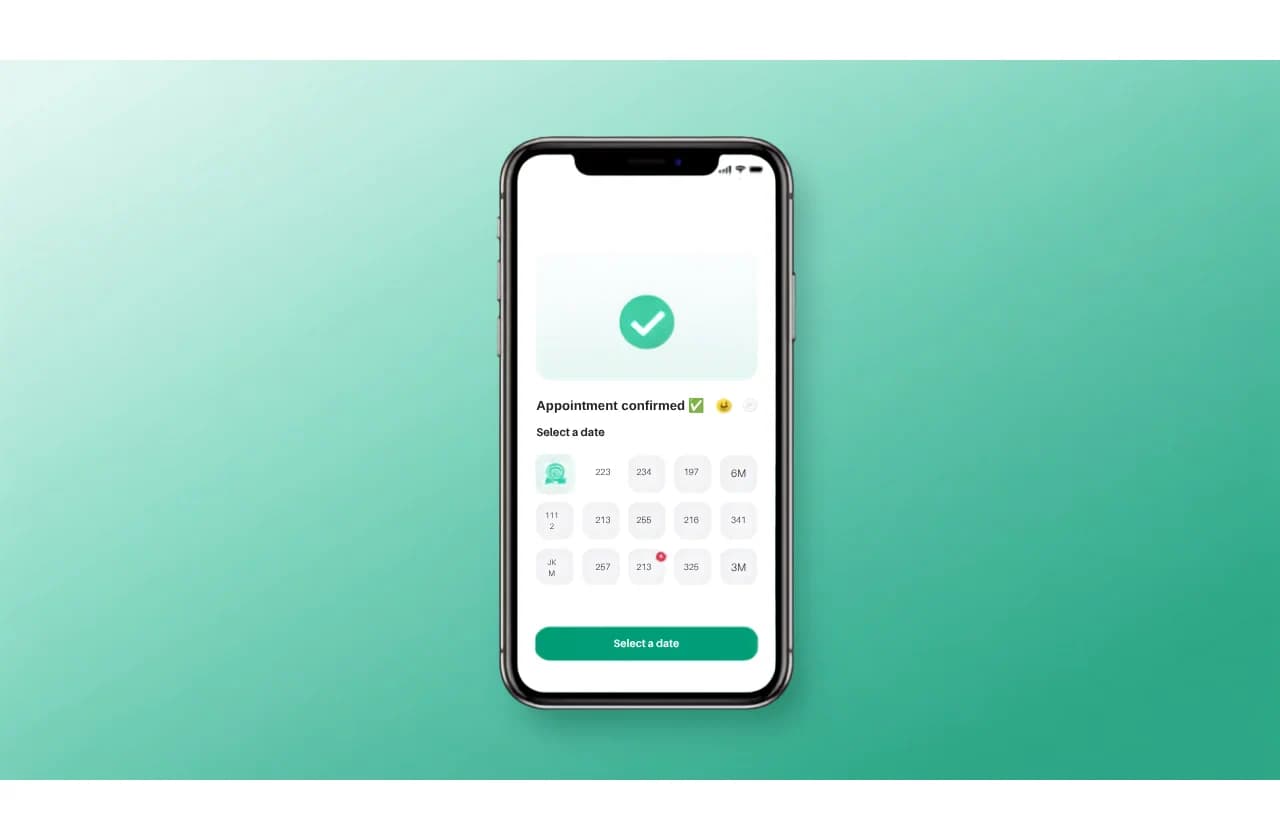
By batch
Group students and parents with tags and lists
Scheduled
Plan reminders before the due date
Tracked
See delivery status for every campaign
1 inbox
Parent replies reach your whole team
From a Spreadsheet of Dues to Reminders Sent
Set it up once per batch, then reuse it every month.
Import your contacts
Upload a CSV of students and parents. Tag each by batch or class.
Pick an approved template
Write a fee reminder or class notice and get it approved by WhatsApp once.
Schedule the campaign
Choose the batch and the date. The messages go out on schedule.
Handle the replies
Parents who reply land in the shared inbox where any team member can answer.
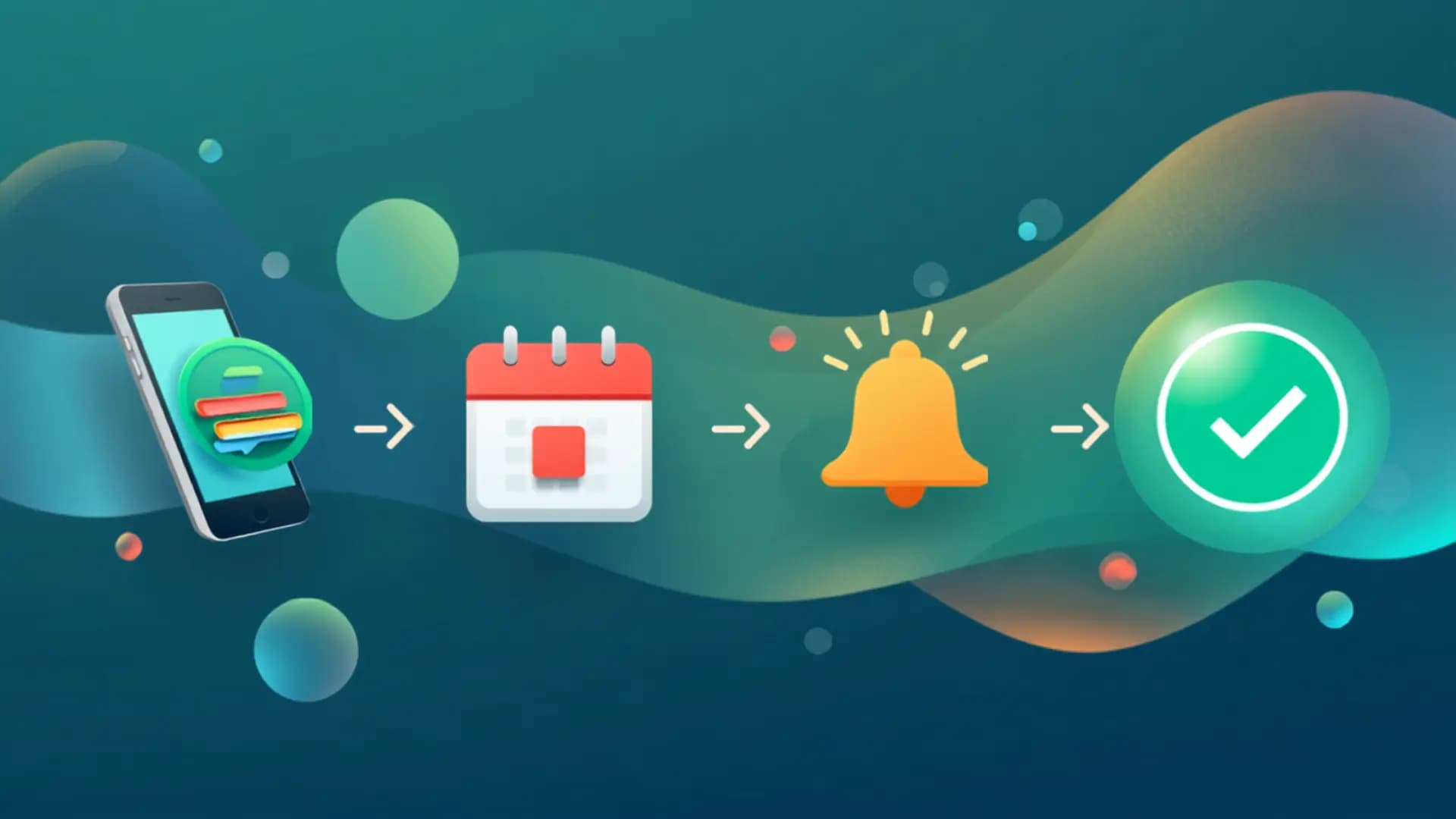
Fewer Phone Calls to Parents. Fewer Missed Due Dates.
Messages are sent through the official WhatsApp Business API, with no per-message markup from us.
 Everything You Need To Communicate
Student and Parent Messaging in One Place
Replace calling and forwarding messages by hand.
Batch-Wise Contact Groups
Organise students and parents by batch, course or class using tags and lists.
Approved Message Templates
Create fee reminder and notice templates once and reuse them each month.
Bulk Campaigns
Send a notice to a whole batch at once without adding contacts one by one.
Scheduled Sending
Plan reminders ahead of the due date and let them go out on time.
Delivery Reports
See how many messages were delivered, so you know who to follow up with.
Shared Team Inbox
Admissions and accounts staff answer parent questions from one inbox.
Consent Handling
Only message contacts who have agreed to hear from you, and honour opt-outs.
Auto-Reply for Common Questions
Answer fee structure, timings and batch start dates automatically with a chatbot.
How It's BuiltDesigned Around the Academic Calendar
Three decisions that make recurring messages simple.
Your student list, organised by batch
Import your list once and keep it grouped by batch or class. A reminder for the evening batch only reaches the evening batch.
- CSV import for contacts
- Tags and lists for batches
- Search and filter to find any student
Write once, reuse every month
WhatsApp requires approved templates for business-started messages. You create a fee reminder or notice template once, and reuse it for every cycle with the student name and due date filled in.
- Variables for name, amount and date
- Templates reviewed by WhatsApp once
- Reuse across batches
Respectful, compliant messaging
Contacts carry an opt-in status, and messages go only to those who agreed. Parents who opt out stop receiving campaigns, which protects your number's quality rating.
- Opt-in status on every contact
- Opt-outs honoured automatically
- Delivery tracking for each campaign
Who It's ForWorks for Every Kind of Institute
If you chase fees or announce batch changes by phone, this saves the calls.
JEE, NEET and Competitive Exam Coaching
Send batch timings, test schedules and fee reminders to students and parents.
School Tuition Centres
Keep parents updated on classes, holidays and dues without calling each one.
Language and Skill Training Institutes
Announce new batches and send reminders for the next instalment.
Music, Dance and Art Academies
Notify students about class changes and recital dates in one message.
Test Prep and Study Abroad Consultants
Follow up with enquiries and remind them about upcoming sessions.
Schools and Colleges
Send circulars and fee notices to parents from a shared inbox.
FAQQuestions Before You Move Fee Reminders to WhatsApp
The essentials institute owners ask before sending reminders on WhatsApp.

Chat on WhatsApp
Get answers in minutes
Chat With UsYes. You can send a campaign to a whole batch or list at once, using an approved template that fills in each student's name and due date.
Yes. WhatsApp expects you to message people who have agreed to hear from you. Contacts carry an opt-in status, and parents who opt out are excluded from campaigns.
Yes. You can schedule a campaign for a future date and time so the reminder goes out before the due date.
Upload a CSV file of student and parent contacts. You can then tag them by batch or class and filter by those tags when sending.
Yes. Replies from parents arrive in a shared team inbox, so admissions and accounts staff can both respond.
Fee reminders can include your payment details or instructions. Direct in-chat fee collection is not part of this page's feature set, so please ask our team if you need payment links for fees.
Start the free trial, connect your WhatsApp Business number, import your contacts and create your first template. Our team can help you set up the first campaign.

Spend Less Time Chasing Fees
Import your students, tag them by batch, and let scheduled WhatsApp reminders do the follow-up.
Bulk campaigns are included with WhatsApp Business Suite on qualifying plans.
Powered by WABizSuite (wabizsuite.com)