



Take Restaurant Orders on WhatsApp, Without a Website
Customers browse your menu, add dishes to a cart and send the order in WhatsApp. You get paid by UPI or a Razorpay link, and every order lands in one dashboard.
- Native WhatsApp catalog and cart for your menu
- Every order appears in your order dashboard
- Free UPI QR or Razorpay payment links, with no platform commission
- Works on the WhatsApp Business number you already use
0%
Platform commission on your sales
2
Payment options: UPI Direct and Razorpay links
1
Dashboard for every order
0
Websites or apps to build
From "What's on the Menu?" to Paid Order in One Chat
The customer never leaves WhatsApp, and you see the order the moment it is sent.
Customer opens your menu
They message your number or scan your QR code and see your catalog with photos and prices.
They add dishes and send the order
The cart is built in WhatsApp and sent to you as a single order message.
They pay
They scan a UPI QR code or tap a Razorpay payment link, using your own UPI ID or Razorpay account.
You prepare and update the order
The order shows on your dashboard and you can reply to the customer in the shared inbox.
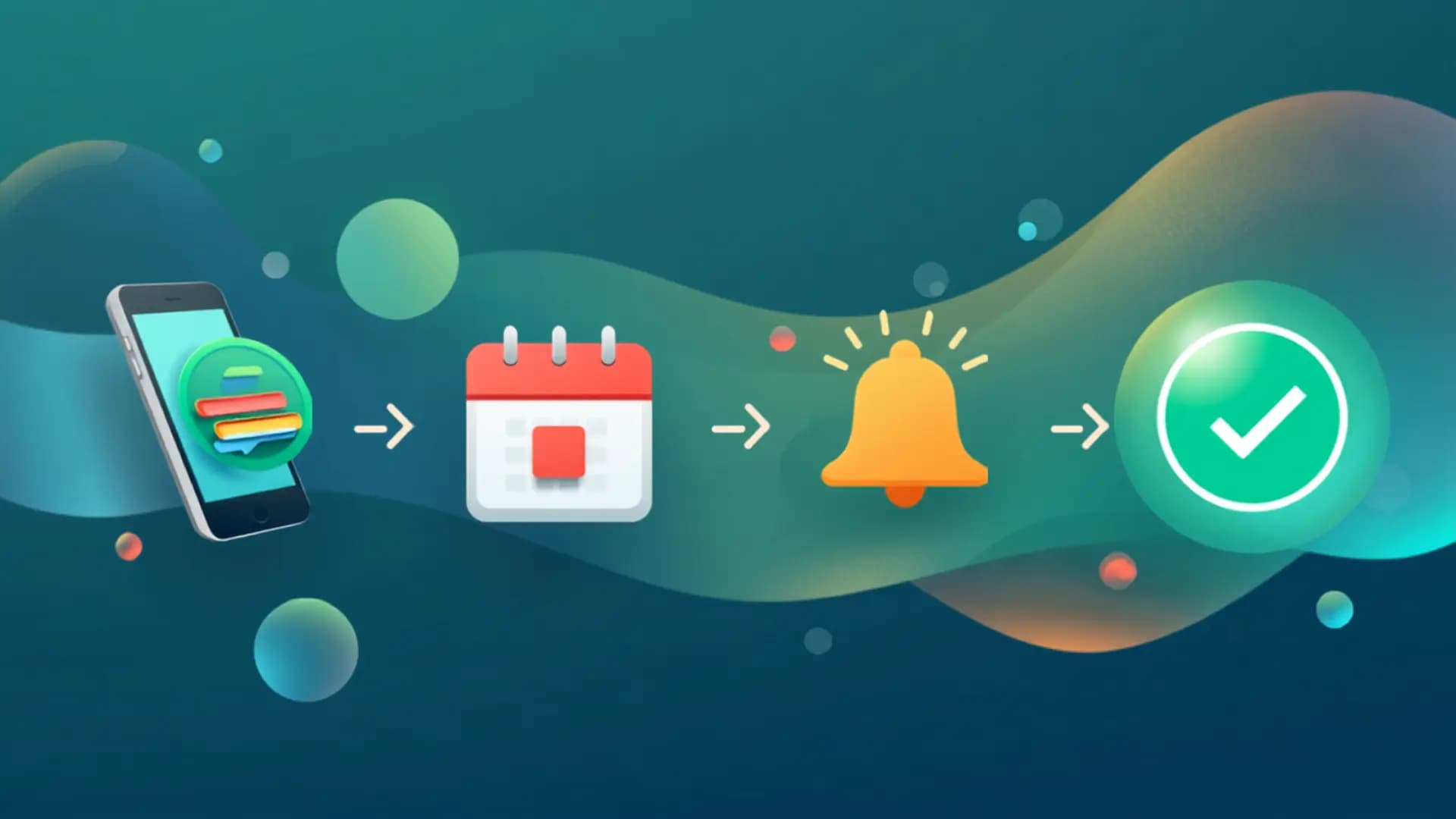
Your Menu, Cart and Payment in One Chat.
You keep your own UPI ID or Razorpay account, so the money goes straight to you.
 Everything You Need To Sell
A Full Ordering Flow Inside WhatsApp
Skip the website build and the aggregator margin.
Native Menu Catalog and Cart
Show dishes with photos and prices using the WhatsApp catalog and cart customers already know.
UPI Direct Payments
Send a UPI QR code that pays your own UPI ID, with no commission taken by the platform.
Razorpay Payment Links
Use your own Razorpay account for payment links that confirm automatically.
Order Dashboard
Every order is recorded in one place so nothing gets lost in a long chat.
Shared Team Inbox
Counter and kitchen staff can answer customers from one WhatsApp inbox.
Offers to Past Customers
Send a weekend special to customers who agreed to receive messages from you.
Auto-Reply for Opening Hours
Answer common questions such as timings, location and delivery area automatically.
Your Existing Number
Use the WhatsApp Business number your customers already know.
How It's BuiltDesigned Around a Busy KitchenA Busy Kitchen
Three decisions that keep orders simple for you and the customer.
The order is one message, not twenty
Customers build a cart from your catalog and send it as a single structured order. You are not decoding a long chat to work out who wants what.
- Items, quantity and prices in one order
- Orders recorded on the dashboard
- Reply to the customer from the same screen
You keep your money and your margin
Payments use your own UPI ID or your own Razorpay account. The platform does not hold your funds or take a commission on orders.
- UPI Direct is free to use
- Razorpay links confirm automatically
- No percentage taken from each order
Bring regulars back with consent
Send offers and menu updates to customers who have agreed to receive them. Contacts can be grouped by tags so a lunch offer reaches the right people.
- Respect each customer's opt-in status
- Segment by tags and lists
- Schedule campaigns in advance
Who It's ForWorks for Every Food Business
If customers already message you to order, this organises it.
Restaurants and Cafes
Share your menu and take dine-in pre-orders and takeaway on WhatsApp.
Cloud Kitchens
Take direct orders without paying aggregator commission on every one.
Bakeries and Sweet Shops
Handle custom cake and festival orders with a catalog and a clear order record.
Tiffin and Meal Subscription Services
Keep daily menus and orders in one chat with each customer.
Caterers
Share packages and take enquiries in one inbox.
Grocery and Kirana Stores
List items and let regulars order by cart instead of a long voice note.
 FAQ
Questions Before You Start Taking Orders on WhatsApp
The essentials restaurant owners ask before moving orders to WhatsApp.

Chat on WhatsApp
Get answers in minutes
Chat With UsNo. Customers browse your catalog, add items to a cart and send the order entirely inside WhatsApp. You do not need a website or an app.
No. Payments use your own UPI ID or your own Razorpay account, and the platform takes no commission on any order.
You can send a UPI QR code that pays your UPI ID directly, or a Razorpay payment link that confirms automatically through your own Razorpay account.
Yes. Your menu items are read from the WhatsApp catalog connected to your business number. Our team can guide you through setting it up.
Yes. Your team can share one WhatsApp inbox, so counter and kitchen staff can both answer questions and confirm orders.
Yes. You connect the WhatsApp Business number your customers already know.
Start the free trial, connect your WhatsApp Business number, add your menu to the catalog, and turn on payments. Our team can help with setup.

Start Taking Orders Inside WhatsApp Today
Connect your menu, choose UPI or Razorpay, and take your first order in minutes. No website needed.
Storefront is included with WhatsApp Business Suite on qualifying plans.
Powered by WABizSuite (wabizsuite.com)